Key Takeaways
- The Maesn MCP Server connects AI assistants directly to 30+ ERP and accounting systems — so teams can query and act on financial data in natural language instead of exporting spreadsheets.
- It works with Claude (and other MCP-compatible assistants), turning plain-language questions into authenticated, correctly filtered calls to the Maesn Unified API.
- It is bilateral. Assistants can both read data (invoices, journal entries, accounts, customers, suppliers) and write it back (create and update records) — not just retrieve.
- It runs locally or remotely — a local setup for developers and Claude Desktop, and a hosted remote option for teams that want zero local configuration.
- Security is unchanged from the Unified API: no-storage architecture, ISO 27001, GDPR, and hosting in Germany apply to the MCP Server as well.
What Is the Maesn MCP Server?
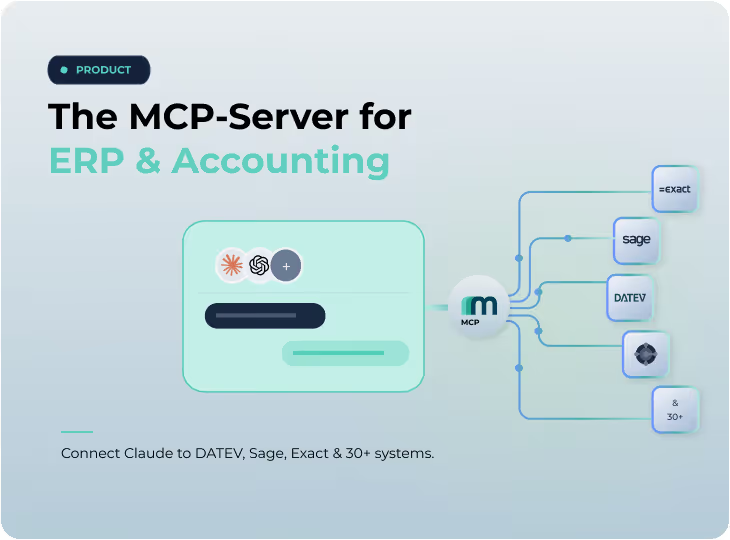
The Maesn MCP Server is an implementation of the Model Context Protocol (MCP) that acts as a secure bridge between an AI assistant and the Maesn Unified API. Instead of writing API calls by hand, an assistant like Claude uses the MCP Server to read and write data across 30+ connected ERP and accounting systems through one standardized interface.
MCP is the open standard that lets AI assistants connect to external tools and data sources. Maesn's server speaks that standard on one side and the Maesn Unified API on the other. The result: a single connection reaches every system Maesn already supports, with the same authentication, the same normalized data model, and the same compliance guarantees you get from the API itself.
AI Assistants Are Powerful — But Blind to Your ERP and Accounting Data
The most useful question a finance or operations team can ask an AI assistant is often the one it can't answer: "What do our actual numbers say?" General-purpose assistants have no live connection to DATEV, Exact Online, or whatever system holds your source of truth.
The workarounds are familiar — and bad. People export CSVs and paste them into a chat window, losing structure, context, and freshness the moment they do. Engineering teams build a one-off integration to a single system, then maintain it indefinitely. And every approach runs into the same wall that keeps most enterprise AI projects stuck in pilot: how do you give an assistant access to sensitive financial data without losing control over security and compliance?
The Maesn MCP Server answers all three at once: live access, every system through one interface, and the security model your financial data already demands.
How the Maesn MCP Server Works
The MCP Server sits between your assistant and your systems and does the translation for you. The flow is deliberately simple:
- Ask in plain language. For example: "Show me all unpaid invoices for Company A."
- The MCP Server handles the request. It validates the input, applies the right filters, injects authentication, and makes the correct call to the Maesn Unified API.
- You get structured results back. The server returns clean, structured data, and your assistant explains it in plain language — invoice IDs, amounts, dates, and any other relevant detail.
You never touch an endpoint or a query parameter. The assistant does the talking; Maesn does the integration.
One MCP Server, 30+ ERP and Accounting Systems
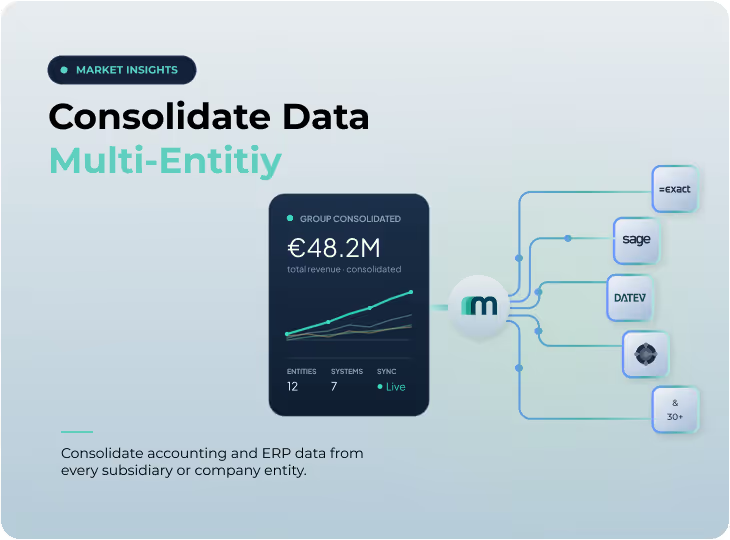
Because the Maesn MCP Server runs on the Maesn Unified API, a single connection reaches every system Maesn supports — 30+ ERP and accounting platforms across Europe, including DATEV, Exact Online, Xero, QuickBooks, Sage, Lexware Office, sevdesk, Pennylane, Visma e-conomic, Microsoft Dynamics 365 Business Central, Odoo, Fortnox, and more.
The practical consequence matters: there is one MCP server for all of them. A "DATEV MCP Server," an "Exact Online MCP Server," or a "Visma eAccounting MCP Server" are not separate products you have to install and maintain — they are the same Maesn MCP Server pointed at a different connected system. Connect Claude once, and you can work with DATEV today and Xero tomorrow without changing anything in your setup.
And because the data comes through the Unified API, it arrives normalized. Customers, suppliers, invoices, bills, journal entries, accounts, and payments follow one consistent model regardless of source system — so the answers your assistant gives are comparable across entities and clients, not shaped by the quirks of each underlying platform.
Desktop and Remote: Two Ways to Run the Maesn MCP Server
The Maesn MCP Server can run in two ways, depending on who's using it.
Remote (hosted) — for teams. The hosted option requires no local installation. You connect your assistant to the Maesn-operated MCP Server and start working immediately. It runs under the same EU hosting and the same no-storage, ISO 27001, and GDPR guarantees as the rest of the Maesn platform. This is the fastest path for finance and operations teams who want the capability without touching a terminal — book a meeting to get access.
Local (desktop) — for developers. Developers can run the server locally and connect it to Claude Desktop or any other MCP-compatible client. Clone the repository and install dependencies.
What You Can Ask: Real Prompts for Finance and Operations Teams
Once Claude is connected, your team works in questions, not queries. The assistant uses the Maesn MCP Server to retrieve the underlying records — invoices, customers, journal entries, accounts, suppliers, open items — and then analyzes and summarizes them for you. A few examples:
- "Show me revenue per customer for the last six months and highlight the three customers with the strongest growth."
- "List all open items for supplier Müller GmbH and total the outstanding payables."
- "Based on our journal entries, which accounts moved the most this quarter, and by how much?"
- "Pull the debtor and creditor balances and flag anything overdue by more than 30 days."
- "Create a draft invoice for customer Acme for these three line items."
The first four are read operations; the last is a write. In every case, the assistant performs the reasoning — the trend analysis, the totaling, the flagging — on the structured, normalized data the Maesn MCP Server returns from the source system.
Read and Write: Bilateral Sync With Your Source Systems
The Maesn MCP Server is bilateral. Almost every resource available in the Maesn Unified API is reachable through it, and the server supports retrieving, creating, and updating data — not just reading it.
That covers the core of your financial operations: customers and suppliers, invoices and bills, credit notes and vendor credits, journal entries and accounts, payments and payment terms, items, offers, purchase orders, and sales orders, among others. So an assistant can not only tell you what your numbers are — it can act on them: create a contact, draft an invoice, or post a journal entry, with the same authentication and normalization that govern every other Maesn request.
Secure by Design: ISO 27001, GDPR, and Hosting in Germany
Security is the reason most teams hesitate to connect AI to financial data — and the reason the Maesn MCP Server is built the way it is.
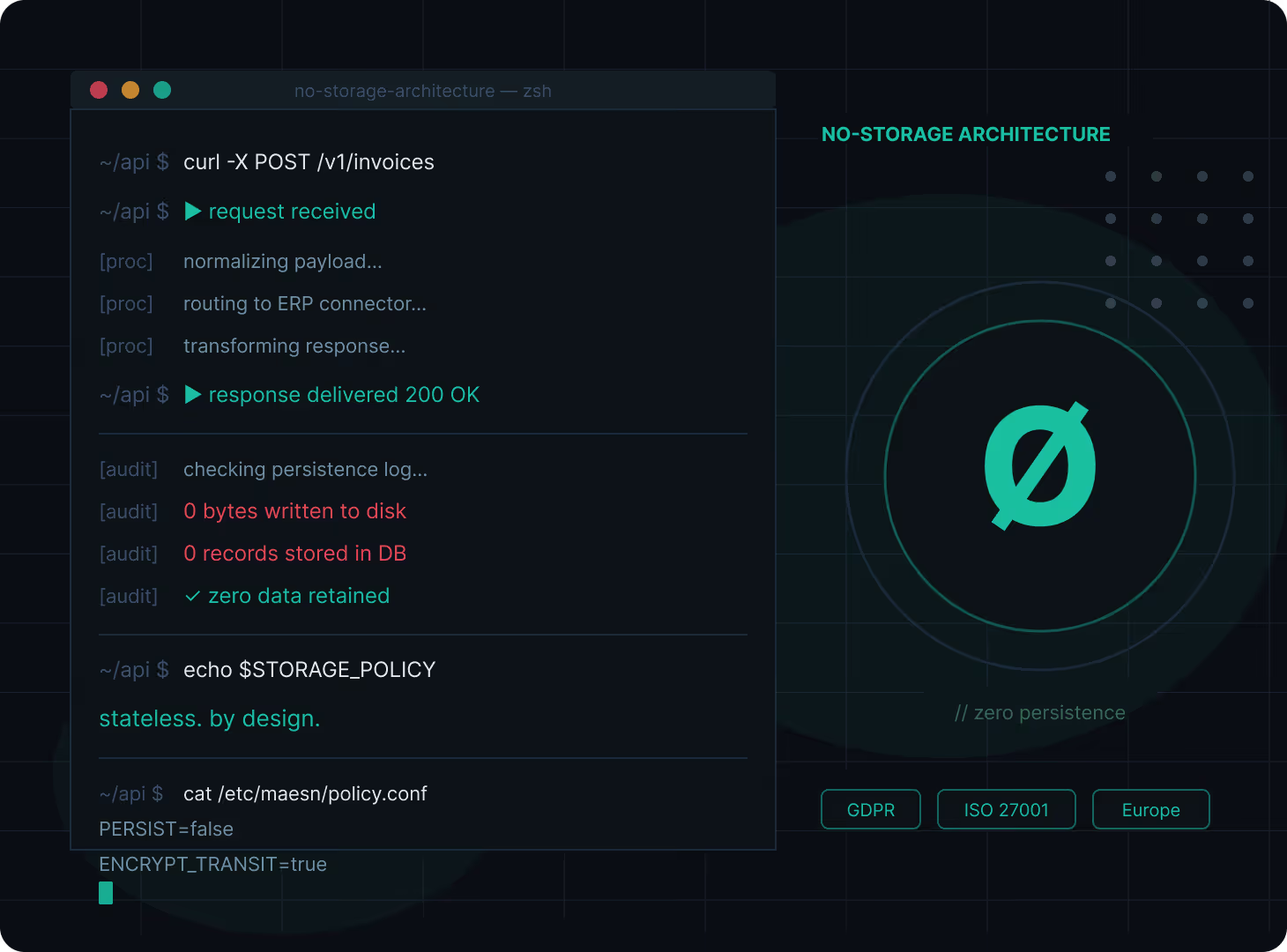
Every request runs through the Maesn Unified API under the established, authenticated connection to the source system. Maesn operates a no-storage architecture: your data is not persisted in Maesn's systems, so there is no second copy of your financials sitting in a data lake waiting to be governed. Maesn is ISO 27001 certified, GDPR compliant, and built and hosted in Germany — and every one of those guarantees applies to the MCP Server exactly as it applies to the Unified API.
In other words, giving Claude access through Maesn doesn't widen your attack surface or weaken your compliance posture. It inherits the controls you already trust.
Internal Use Cases for AI-Powered ERP and Accounting Access
The clearest value is for the internal teams who live in this data every day:
- Controlling and FP&A: ad-hoc revenue, margin, and cash-flow questions answered in seconds, across every client or entity, without waiting on a report.
- Accounts payable: open items, supplier balances, and due dates surfaced on demand, with the ability to draft and update records.
- Accounts receivable: overdue receivables and customer balances flagged conversationally, instead of dug out of a dashboard.
- Month-end and close: journal-entry and account movements explained in plain language to spot anomalies early.
The same capability is a foundation for AI and SaaS product builders as well: instead of building and maintaining 30+ integrations to expose accounting data to their own AI features, they connect once through Maesn's MCP Server and inherit the full system coverage and security model.
How to Get Started With the Maesn MCP Server
For teams, the fastest path is the hosted, remote option — book a demo and we'll set you up with MCP access and an API key, no local installation required. For developers who want to self-host, the MCP Server documentation and the GitHub repository walk through the local setup and the currently supported resources; you'll need a Maesn API key to connect.
Skip the exports and the one-off integrations. Give your AI assistant a secure, direct line to your ERP and accounting data — with Maesn.
About the author
Themo is CEO and Co-Founder of Maesn. With years in strategy consulting — spanning requirements engineering for complex software landscapes, ERP and accounting software selections, and end-to-end integration projects — he holds a Dr.-Ing. with a focus on ERP-to-SaaS transformation. He co-founded Maesn to make system integration effortless.

Co-Founder