
Microsoft Dynamics 365 Business Central API Integration
Microsoft Dynamics 365 Business Central is a cloud ERP platform used by businesses across more than 160 countries. It covers financial management, supply chain, sales, project management and manufacturing.
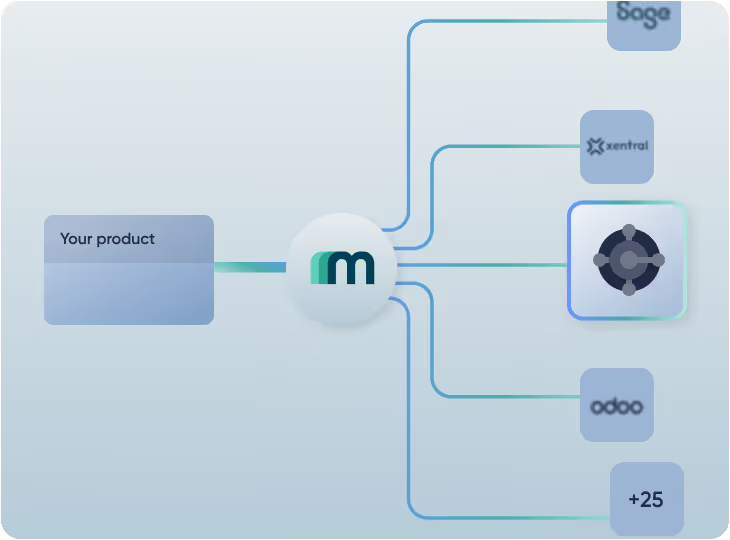
Integrate Microsoft Dynamics 365 Business Central alongside dozens of other accounting and ERP systems through Maesn Unified API.
















.avif)
















Have a Microsoft Dynamics 365 Business Central integration in days
Microsoft Entra setup guided by Maesn
Connecting to Business Central requires a multi-step Azure AD appregistration with permissions and admin consent.
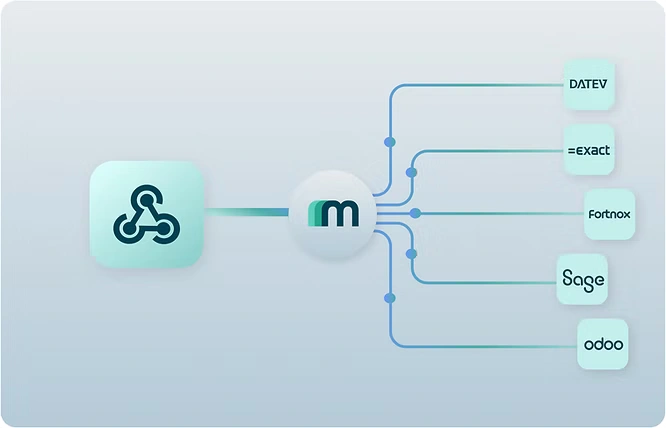
One integration, every system.
Once your QuickBooks integration is live via Maesn, you immediately have access to every other accounting and ERP system Maesn supports.
Microsoft AppSource listing support
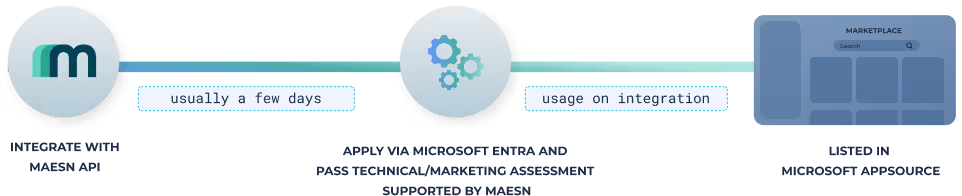
Get your app listed on Microsoft AppSource and reach a global customer base across 160+ countries. Maesn supports you through the technical and marketing validation process.

Clear docs, real sandboxes, fast integrations: How Hero Software builds with Maesn
Hero Software helps craft businesses digitize and automate their entire back-office — from quotes to invoicing. Over 40,000 tradespeople use their cloud-based platform to eliminate manual admin and run operations more efficiently.
“The support provided is truly first class, with impressively quick response times. The documentation is thorough and easy to follow, which made integration a smooth process for me. I also appreciate the wide range of accounting integrations and endpoints available. It's clear that the endpoints are continuously being developed and expanded, which adds even more value to the platform.”

Ricardas Kauneckas
Full Stack Engineer @ HERO Software

One API for Microsoft Dynamics 365 Business Central and every system that comes after.
Unified. Certified. Production-ready.
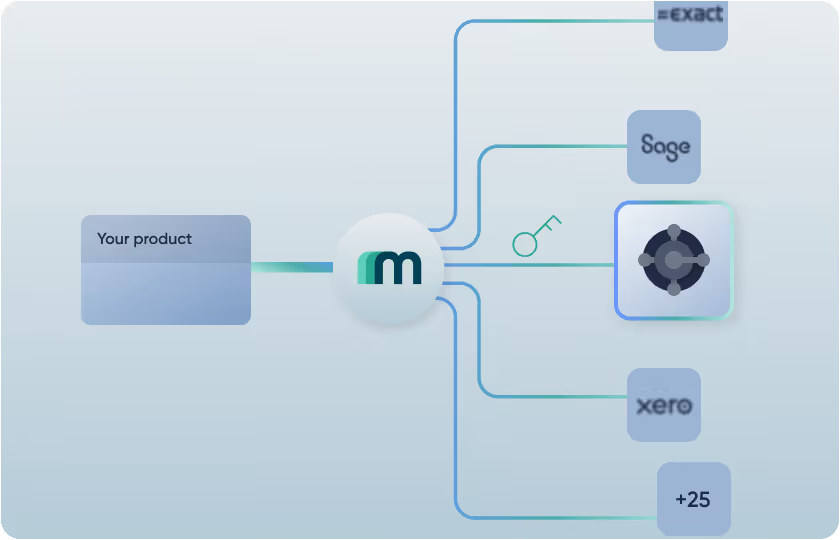
Identifier in every API request automatically handled by Maesn.
Every Business Central request requires the tenant ID, environment name and company ID as context values in the URL. Maesn resolves all three during onboarding and enriches the correct URL for every request automatically.
Tenant ID, environment & company ID resolved automatically
Correct URL enrichment for every request
No Business Central-specific logic on your end
Native and collection webhooks, fully handled.
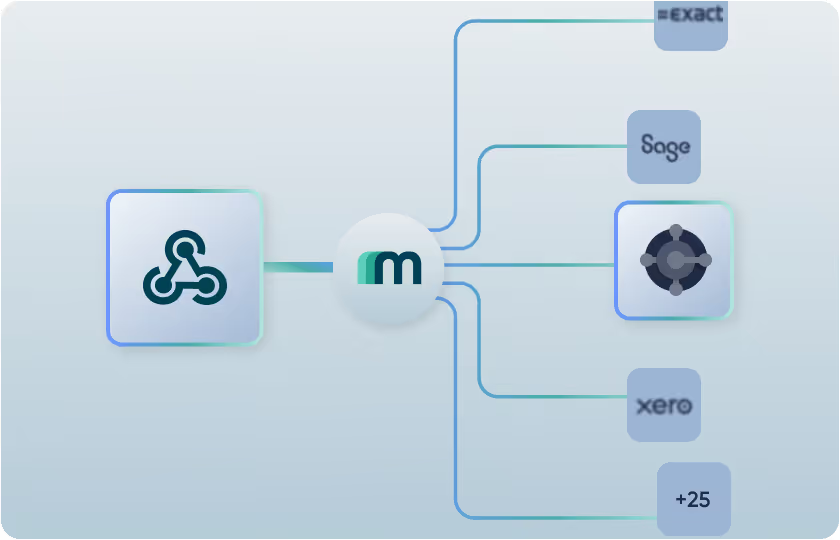
Business Central sends both standard and collection events. Where multiple updates are batched into a single notification with a date range instead of individual IDs. Maesn handles both types out of the box, including the correct filterDate logic for collection events.
Standard and collection webhook events supported
Normalized payloads across all systems
User-based subscriptions only
.avif)
Multi-environment and multi-company support.
Business Central users can have multiple environments and multiple companies within a single tenant. Maesn supports full multi-environment and multi-company setups via the Interactive Authentication Flow, with strict isolation between each.
Multiple environments and companies supported
Interactive Authentication Flow included
Strict environment isolation per user
Get listed in Microsoft AppSource.
AppSource is Microsoft's marketplace for Business Central apps, with over 5.000 listed solutions and direct access to the global Dynamics 365 customer base. An integration via Maesn qualifies as a Connect App, the standard listing type for third-party integrations.
Connect App listing via Microsoft Partner Center
Access to the global Dynamics 365 customer base
Maesn supports technical and marketing validation
.avif)
.avif)
Start your Microsoft Dynamics 365 Business Central API integration today.
The Maesn docs cover every Microsoft Dynamics 365 Business Central endpoint, authentication flow, and implementation detail. Plus a full overview of the current coverage, which is continuously being expanded.
Full Microsoft Dynamics 365 Business Central documentation
Current coverage overview at a glance
Continuously expanding endpoints & integrations

Get Microsoft Dynamics 365 Business Central partner and listed in AppSource with Maesn
Get your product and brand name listed at Microsoft AppSource,
and benefit from a huge audience and strong co-marketing activities.
Whitepaper: European ERP & accounting market
Get insights and learn about the most imoportant systems in our country-by-country view of the European ERP and Accounting software landscape.
.avif)
3 Reasons why Microsoft Dynamics 365 Business Central API integration is better with Maesn
No Business Central complexity.
Tenant ID, environment name, and company ID, Maesn resolves all three automatically. No custom URL logic, no extra workflows.
Collection webhooks, fully handled.
Business Central's collection events require custom filterDate logic. Maesn handles this out of the box, consistent with every other system.
One integration, every system.
Once Business Central is live, every other system Maesn supports is immediately accessible. No additional implementation needed.
We are European.
Enterprise-grade security & compliance are our foundation.
Built and hosted in Germany to meet the highest security and compliance standards, Maesn processes API calls in real time without storing customer data and is fully ISO 27001 & GDPR compliant.
Read more in our related blog articles.
Everything you need to know about
Microsoft Dynamics 365 Business Central API Integration
.webp)
.webp)
Frequently asked
questions
You have more questions? We are looking forward hearing from you - book a meeting now!
What is Microsoft Dynamics 365 Business Central?
Microsoft Dynamics 365 Business Central is a cloud-based ERP platform by Microsoft, designed for SMBs and mid-market companies, offering integrated tools for finance, supply chain, sales, and operations.
Why should I integrate Business Central via Maesn instead of directly?
Integrating via Maesn eliminates all Business Central-specific complexity. Tenant ID, environment name, company ID, and collection webhook logic are all handled automatically behind one unified API. Plus, you immediately gain access to dozens of other accounting and ERP systems.
What are tenant ID, environment name and company ID — and do I need to handle them?
These are required context values that Business Central needs in every API request URL. Maesn resolves all three during onboarding and enriches every request automatically. No extra logic needed on your end.
How does Maesn handle Business Central webhooks?
Business Central supports both standard and collection events. Collection events batch multiple updates into a single notification with a date range instead of individual IDs. Maesn handles both types out of the box, including the correct filterDate logic.
Does Maesn support multiple environments and companies in Business Central?
Yes. Maesn supports full multi-environment and multi-company setups via the Interactive Authentication Flow, with strict isolation between each environment and company.
What data can I sync with Business Central via Maesn?
Maesn supports invoices, bills, credit notes, customers, suppliers, payments, journal entries, purchase orders, sales orders, expenses, and more. Coverage is continuously expanding and endpoints can be added on demand.
Can I get listed in Microsoft AppSource through Maesn?
An integration via Maesn qualifies as a Connect App for Microsoft AppSource. Maesn supports you through the technical and marketing validation process required by Microsoft Partner Center.
How long does it take to integrate Business Central with Maesn?
Most teams have a working QuickBooks integration within days. Maesn provides documentatiMost teams have a working Business Central integration within days. Maesn provides documentation, sandbox access, and direct support to get you to production fast.on, sandbox access, and direct partner support to get you to production fast.
How is my customers' data handled and stored?
Maesn uses HTTPS and TLS for all data transfer and does not store any customer data. The platform is hosted on Microsoft Azure in Frankfurt, Germany, and is fully GDPR compliant.