Xero API Integration
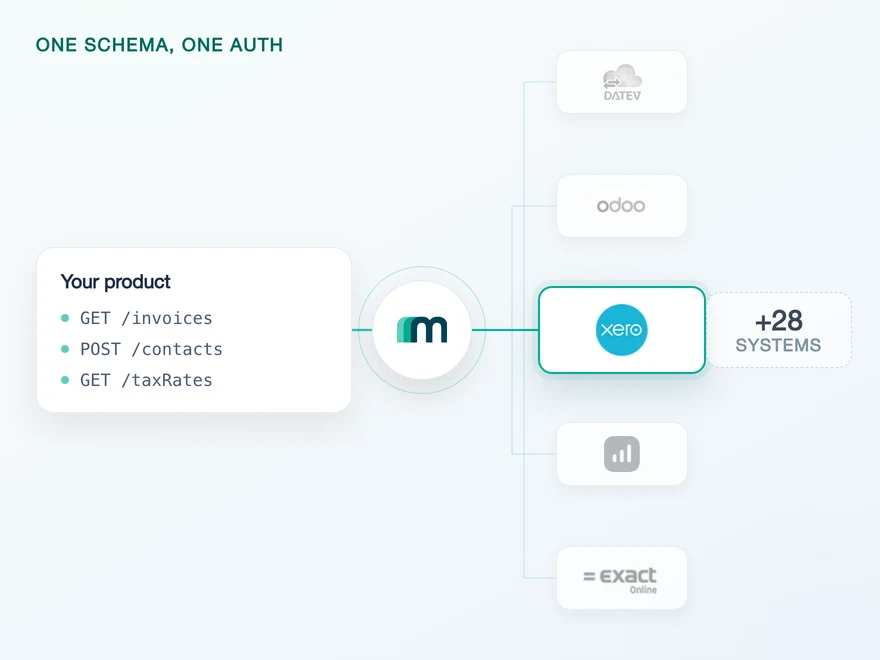
Xero is a cloud accounting platform used by small businesses and accounting firms across the UK, Ireland, Australia, New Zealand, the USA and Canada. Connect it through Maesn and you reach it with the same REST API and the same data model as every other supported system.












A Xero integration in days
Xero is well documented and pleasant to work against. What costs a team time is the housekeeping it expects around every call and every connection. Here is what that is, and what Maesn takes off the table.
Resolved once, attached always
Xero identifies the connected organisation with a tenant ID that has to travel with every request. Maesn resolves it at authentication, stores it with the connection and adds it to each call, so nothing Xero-specific reaches your code.
The token never reaches your code
Xero access tokens are short lived and have to be rotated actively, per connected organisation. Maesn holds the credentials and does that rotation behind the account key, so no part of your product stores a Xero token or tracks when it expires.
Delivered per customer instead
Xero notifies your app, not your customer: one subscription covers every connection at once and you sort out who the event belongs to. Maesn turns that into per-customer events, so each callback carries one customer's data.
What reaches your code is a REST call and an account key. Teams go live in days, and the system after Xero is a configuration step rather than a second project.
A short call is usually enough to tell whether Maesn fits your use case.
HERO Software builds against clear docs and real sandboxes
HERO Software digitises the back office for craft businesses, from the quote through to the invoice.
“The support provided is truly first class, with impressively quick response times. The documentation is thorough and easy to follow, which made integration a smooth process for me.”


Three reasons to reach the Xero API through Maesn
Connecting Xero directly is a project you can finish. Keeping it connected, and then adding the next system, is the part that decides your roadmap.
The Xero-specific work stays here
Tenant resolution, short-lived tokens that have to be rotated and app-wide webhook routing are what every Xero integration has to solve. They are solved once, here, for every customer you connect.
Events arrive per customer
Xero notifies your app rather than your customer: one subscription fires for every connected organisation at once, and working out whose event it was is your problem. Maesn splits that stream, so each callback carries one customer and reaches you in the shape every other system uses.
The next system costs nothing
Once Xero runs, every other supported accounting and ERP system answers on the same interface. Your second integration is a configuration step.
Certified, listed and on the right Xero tier
Most providers stop at the API. Maesn does the technical enablement and the relationship, and on Xero the second one decides how far the first one gets you: an uncertified app is one of only two a customer can connect at all.
Technical enablement
One integration against the Unified API and one data model, identical to every other system Maesn supports. Your engineers meet the same interface here as they will for the next system.
Partnership support
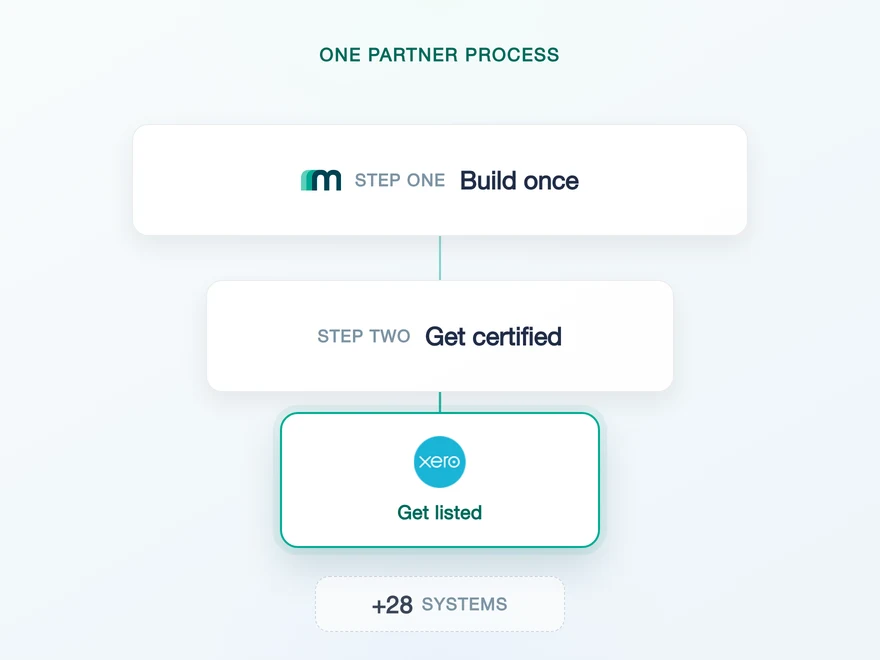
Maesn takes you through the Xero app partner process, from setting the app up to the assessment and the App Store listing, and helps you land on the tier your use case actually needs.
- Starter
- Core
- Plus
- Advanced
- Enterprise
What decides your tier
Connection count and data egress volume, so the tier follows how many customers you connect and how much you read from them.
What starts at Advanced
Journal entry endpoints and multi-company authentication are available from the Advanced tier upwards, which is worth knowing before you design around them.
The app is registered under your company, so the listing runs under your brand. Your name is what the customer sees when they connect.
Maesn runs the Xero app partner process alongside your integration.
Your app on the Xero consent screen, our work behind it
Xero authenticates with OAuth, and the app your customers authorise is yours rather than Maesn's. You register it once in the developer portal and hand the credentials over, and Maesn runs the flow for every customer you connect after that.
- OAuth
- Your own Xero app
One app, every customer. Maesn holds the credentials and the rotation behind your account key.
- Your app credentials
- The client id and secret are submitted once and used for every connection. Xero shows the secret a single time, so copy it before you leave the page.
- Tokens and tenant
- Xero expires an access token after 30 minutes, and the rotation for each connected organisation happens here rather than in your code. The tenant ID is stored with the connection and added to each request.
How that account key reaches you is itself part of unified authentication: the standard redirect to your callback URL, a response body, or a signed webhook event, so the key never has to travel in a query string.
- 1
Your customer starts in your product
You send them into the flow and Maesn opens Xero's consent screen. It carries your app name, because the app is registered under your company, so the connection reads as yours.
- 2
Xero returns to Maesn
The redirect URL on your app points at Maesn's callback, so the code exchange and the first token happen here instead of in your backend. Nothing about OAuth reaches your code.
- 3
You work with one account key
Maesn stores the connection and returns an account key. From there every request carries your API key plus that account key, the same two headers you already send for every other system in the catalogue.
Every system in the catalogue authenticates differently, and Xero is the case where the flow is standard but the housekeeping around it is not. Unified authentication is what keeps that off your side: the redirect, the token lifecycle and the way the account key is handed back to you are all configurable there, and identical no matter which system a customer connects.
App-wide Xero events, delivered per connected customer
Xero supports native webhooks, and two resources with two event types are wired through Maesn today. Maesn subscribes per connected customer and normalises the payloads, so the shape you handle is identical to every other system you integrate.
The setup has two halves and only the first is one-time: you enable the resource inside your Xero app, which covers every user of that app, and Maesn then registers a subscription per authenticated customer so each callback carries only that customer's events. Xero sends no delete events and no date filter on them, so anything outside contacts and invoices stays a polling job.
Two resources and two event types is a narrow window, and the systems around Xero draw it differently again. What one event model gives you is a single shape to parse rather than a single delivery: an invoice event from Xero and a scheduled read from a system that pushes nothing arrive as the same record, and only the freshness question is answered differently.
What Xero requires up front
Xero puts three things in front of an integration, and all of them are easier to plan for than to discover halfway through a build.
- A Xero account with administrator rights
- It exists to manage your app and, later, your partnership. A free trial account is enough, and it does not have to be an account you otherwise use.
- Your own Xero app, registered by you
- You create it in Xero's developer portal as a web app, under your product's name, which is the name your customers read on the consent screen. The redirect URL points at Maesn's callback. Then you generate the client secret, which Xero shows exactly once, and send the client id and secret to Maesn.
- Two uncertified apps per customer
- Xero lets each organisation or practice connect at most two uncertified apps at the same time, so until yours is certified it competes for one of those two slots at every customer you want to reach. Certification through the app partner process removes that, and Maesn runs the process with you.
We walk through the app setup and the certification path with you.
One shape for Xero, and for the system after it
Xero is the system most products start with, which makes the shape it arrives in the shape the rest of your catalogue has to match. That is decided here rather than per system.
Corrections are narrower than reads
More objects can be read than written, and updates in place are limited to contacts and expenses. If your product edits records rather than posting new ones, that is the line to check first.
No object deletes by default
No object has delete enabled. Accounting practice expects corrections and cancellations as new documents anyway, so plan them that way rather than around a delete you would have to request.
Anything else is a request, not a dead end
Objects marked on demand are not missing, they are simply not enabled by default. Tell us which ones your use case needs and they get added.
Whatever you read comes back in the shared common data model, so an invoice from Xero has the same shape as an invoice from any other supported system, and the code you write here is the code you reuse for the next one.
Tell us which objects your use case needs and we will confirm what is possible.