Key Takeaways
- Sage Accounting API access tokens expire after 5 minutes. This requires low-latency refresh implementation to avoid expired token errors during operations.
- Refresh tokens rotate on every use. Each refresh call invalidates the previous refresh token and issues a new one.
- The X-Business header must be sent on every request to reliably target the correct business.
- Business selection must be handled post-auth via a separate API call. A single user can have access to multiple businesses. During authentication, it is not possible to determine whether the authenticated user has access to more than one business.
- Sage Accounting API v3.1 uses a single base URL for all seven supported countries. There are no country-specific base URLs. However, tax rates, chart of accounts structures, and compliance requirements differ per country.
- Sage Accounting API v3.1 supports idempotency keys. This is important for safe retry logic on POST requests after network failures.
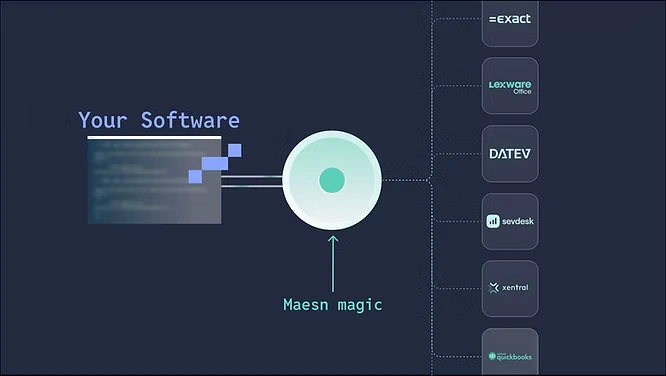
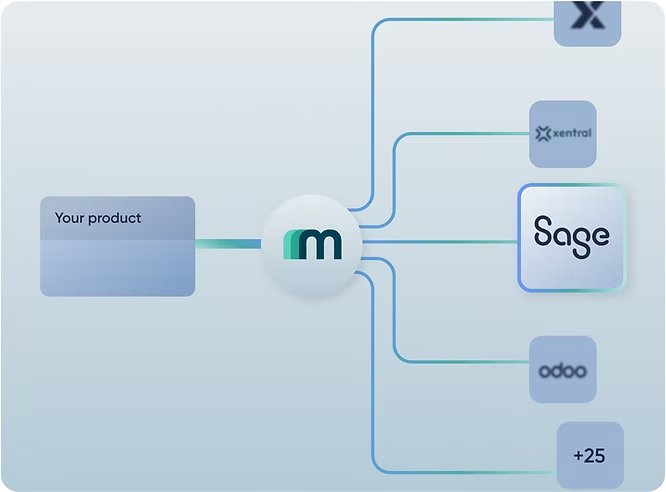
- Maesn handles all of the above. One unified API — token lifecycle, X-Business routing, multi-business selection, and country-specific data normalization are all abstracted in the Maesn backend.
Sage Accounting API Integration: Access Tokens Expire After 5 Minutes and Refresh Tokens Rotate on Every Use
The Sage Accounting API integration uses OAuth 2.0 with the authorization code flow. Access tokens have an expiry of 5 minutes. A Refresh tokens expire after 31 days. This means a customer who does not use your integration for over a month must re-authorize. More critically, Sage Accounting refresh tokens rotate on every use. Each time you exchange a refresh token for a new access token, Sage issues a new refresh token and invalidates the old one. The token response makes this explicit:
json
{
"access_token": "eyJhbGci...",
"expires_in": 300,
"refresh_token": "eyJhbGci...",
"refresh_token_expires_in": 2678400,
"token_type": "bearer"
}
If your system fails to store the new refresh token immediately after a refresh call, for example due to a race condition, a deployment restart, or any other failure, the integration for that tenant is broken. There is no recovery path other than asking the customer to authorize again.
Maesn Manages Sage Accounting Token Rotation Reliably Across All Tenants: No 5-Minute Expiry Failures
Maesn handles the full OAuth token lifecycle for the Sage Accounting API integration, including proactive token refresh before the 5-minute expiry window, rotating refresh token storage per tenant, and re-authorization detection. You never write token refresh logic or manage rotation failures yourself.
The X-Business Header in the Sage Accounting API Integration: Required for Reliable Multi-Business Routing
Every request to the Sage Accounting API must specify which business it is targeting. This is done via the X-Business header, which takes the business GUID as its value:
GET https://api.accounting.sage.com/v3.1/invoices
Authorization: Bearer {access_token}
X-Business: {business_id}
If the X-Business header is omitted, the Sage Accounting API falls back to the user's lead business, defined as the first business the user created.
There is a second complication: during the OAuth authentication flow, it is not possible to determine whether the authenticated user has access to more than one business. You must make a separate GET /businesses call after authentication to discover all available businesses and present a selection to the user. Only then can you store the correct business ID and inject it into every subsequent request.
Maesn Resolves and Stores the Business ID Per Tenant: X-Business Injected Automatically on Every Request
Maesn handles business discovery and selection as part of the Maesn Interactive Authentication flow. The correct business ID is stored per tenant and injected into the X-Business header automatically on every request. Your integration never routes to the wrong business and never needs to manage X-Business header logic directly.
Sage Accounting API v3.1 Supports Seven Countries With One Base URL: Tax and Compliance Logic Still Differs Per Market
One of the most significant improvements in Sage Accounting API v3.1 over its predecessors is the consolidation to a single base URL for all supported countries:
https://api.accounting.sage.com/v3.1/
Earlier versions required country-specific base URLs, which meant separate routing logic per market. In v3.1, the same endpoint works for customers in the UK, Ireland, USA, Canada, France, Spain, and Germany. The API is described by Sage as "identical for all supported regions, no country specific differences in the API itself."
However, identical API structure does not mean identical data. The following are country-specific in the Sage Accounting API integration:
- VAT and tax rates: Each country has its own tax rate configuration. UK customers use the standard 20% VAT rate plus reduced rates; German customers use 19% and 7% MwSt; French customers use 20%, 10%, 5.5%, and 2.1% TVA. These rates are not hardcoded in the API responses. They are configured per business and must be read from the tenant's tax rate data before creating transactions.
- Chart of accounts: Sage Accounting uses country-specific nominal/ledger account structures. Mapping your data model to the correct ledger accounts requires understanding which account codes are standard per country.
- Compliance context: UK customers may have MTD VAT obligations; French customers operate under French GAAP; German customers have specific Steuerrecht requirements. These do not affect API endpoint structure but do affect how data should be interpreted and processed.
Maesn Normalizes Sage Accounting Country-Specific Tax and Account Data: No Per-Country Branches in Your Codebase
Maesn handles country-specific tax rates and account mapping for the Sage Accounting API integration through its integration configuration layer. You express your data in Maesn's common data model and Maesn maps it to the correct country-specific tax rates and account codes per tenant automatically.
Sage Accounting API Integration and Idempotency: Safe Retry Logic on POST Requests
The Sage Accounting API v3.1 supports idempotency keys on POST requests. This means you can safely retry a failed POST request, for example after a network timeout where you do not know whether the server processed the original request, without risking duplicate record creation.
To use idempotency, include an Idempotency-Key header with a unique value (typically a UUID) in your POST request. If Sage receives a second request with the same idempotency key within the validity window, it returns the result of the original request rather than creating a duplicate.
POST https://api.accounting.sage.com/v3.1/sales_invoices
Authorization: Bearer {access_token}
X-Business: {business_id}
Idempotency-Key: 550e8400-e29b-41d4-a716-446655440000
Content-Type: application/json
Without idempotency handling, a network failure mid-POST leaves you in an uncertain state: you do not know whether the invoice was created, and retrying blindly may create a duplicate. For a Sage Accounting API integration that creates invoices or payments at scale, missing idempotency handling is a reliability gap.
Maesn Uses Idempotency Keys on All Sage Accounting POST Operations: No Duplicate Records on Retry
Maesn applies idempotency keys automatically on all POST operations in the Sage Accounting API integration. Retry logic after network failures is handled safely in the Maesn backend. You never manage idempotency keys or duplicate detection yourself.
Why Teams Use Maesn for Their Sage Accounting API Integration
Building a direct Sage Accounting API integration means implementing token refresh every 5 minutes with rotating refresh token storage, explicitly fetching and storing the business ID post-auth, injecting the X-Business header on every request, handling country-specific tax rates and chart of accounts per tenant, and implementing idempotency logic for safe POST retries, all before you ship your first feature.
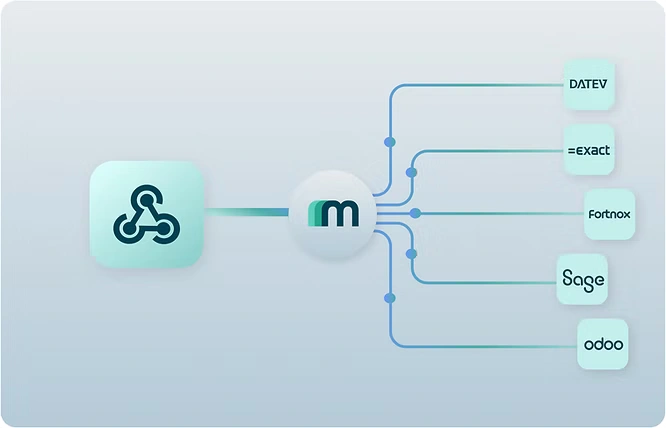
Maesn abstracts this entire surface into a single unified API. You integrate once to Maesn and your product automatically works with Sage Accounting and every other accounting and ERP system in the Maesn portfolio, without system-specific branches in your code.
Check the Maesn documentation for Sage Accounting or talk to the Maesn team to get started.
About the author
Themo is CEO and Co-Founder of Maesn. With years in strategy consulting — spanning requirements engineering for complex software landscapes, ERP and accounting software selections, and end-to-end integration projects — he holds a Dr.-Ing. with a focus on ERP-to-SaaS transformation. He co-founded Maesn to make system integration effortless.

Co-Founder
.webp)